iMessage for Restaurants: The Apple Channel That Reaches Your Premium Guests
Your iPhone guests already write to you in iMessage, on the number you display. What that changes on the restaurant side, and what Heep actually handles on that channel.

“Can my iPhone guests message me without me changing anything?” The answer is yes, and it is already happening. But there are two questions hiding inside that one, and they get conflated almost every time.
The first: receiving iMessages on the number you already display. No setting, no account, no contract. The second: appearing with a “Message” button inside Apple Maps, Safari, Spotlight and Siri. That one is Apple Messages for Business, it goes through an Apple-approved provider, and it is not something you switch on from your iPhone settings.
The gap matters, because the channel is anything but marginal: around 57% of US smartphone users own an iPhone, and the share climbs higher again among premium dining clientele. Every one of those guests writes in iMessage by default.
iMessage is not SMS
When an iPhone messages another iPhone, the message does not travel over the cellular SMS network. It travels through Apple's servers, end-to-end encrypted, in a blue bubble. That is iMessage.
When the recipient is not on iPhone, or has iMessage disabled, the message falls back on its own to standard SMS, the green bubble. That silent fallback is what makes the channel invisible on the restaurant side: you cannot tell whether the message arrived as an iMessage or an SMS, even though they are two different paths.
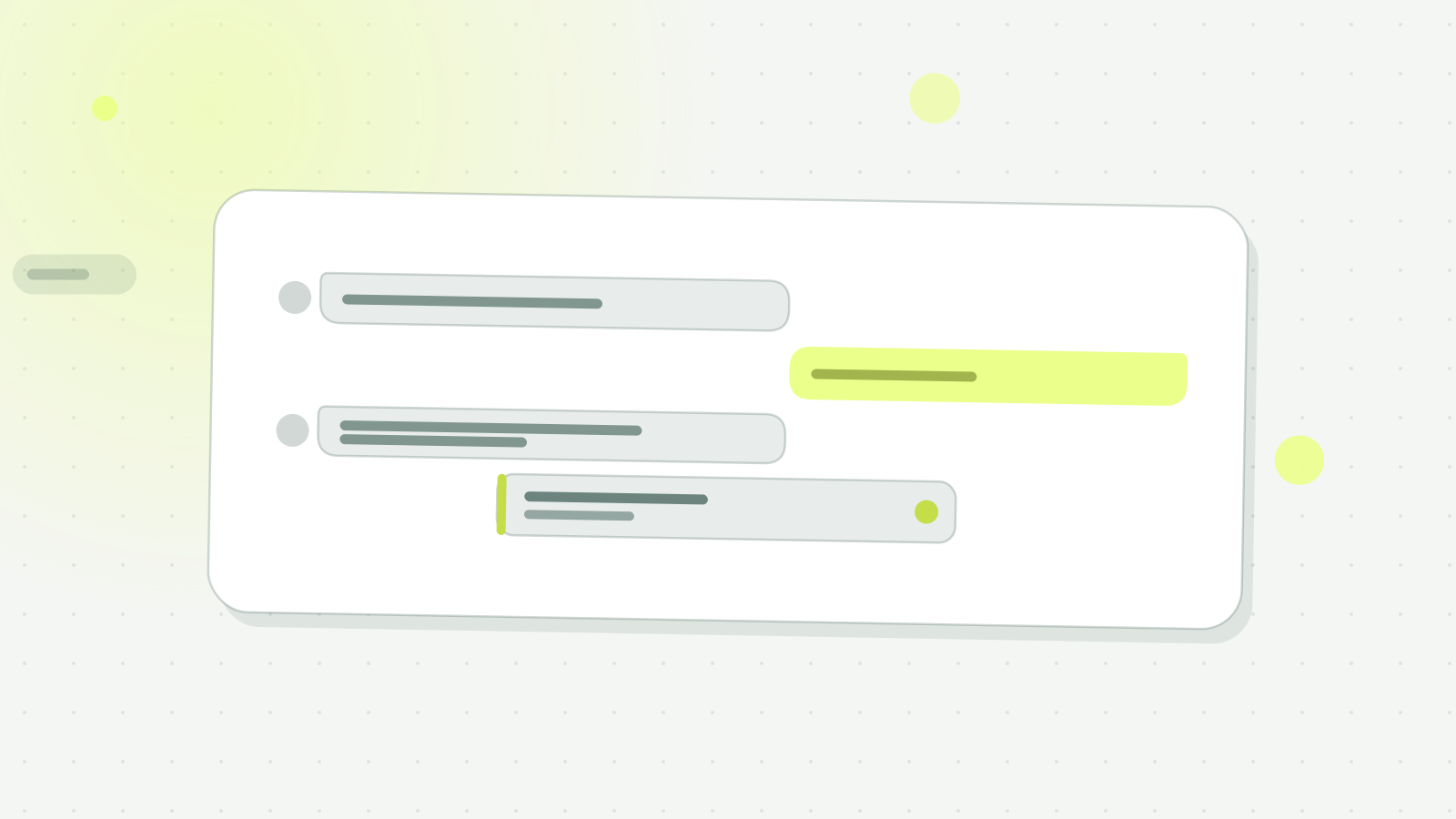
Hi, do you have a table for 2 tonight at 9pm?
Hi Marie! Yes, a terrace table at 9.15pm, shall I book it for you?
Perfect, thank you.
On the guest side, this is the smoothest experience that exists: no app to open, no number to look up, the conversation kept in their thread history. On the restaurant side, it is one more inbound message, handled or ignored depending on what time it lands.
Why this matters specifically for restaurants
iPhone ownership is not evenly distributed across the population, and in hospitality the correlation is sharp: the higher the average check, the higher the iPhone share.
- 57% iPhone share of the US smartphone market (Counterpoint Research, Q1 2025)
- 70%+ among urban affluent guests and premium restaurant clientele (Cross-source estimate, Counterpoint / Pew 2025)
- 90% of iMessage messages reach the recipient within 3 minutes (Apple, Messages for Business overview 2024)
Three profiles concentrate that share. North American tourists first: 57% of US users are on iPhone, and they reach for iMessage by reflex. Affluent professionals next, the ones filling your business lunches and your high-ticket evening covers. Regulars last, who keep your number in their contacts and message you on a Sunday evening.
Apple Messages for Business: the pro option
Apple launched Messages for Business, formerly Apple Business Chat, so businesses could be reachable from inside its ecosystem. A “Message” button then appears in four places:
- Apple Maps. The guest searches for your restaurant, sees your listing, taps “Message” and opens an iMessage conversation with you.
- Safari. They land on your website from an iPhone and start the conversation without copying your number.
- Spotlight (iPhone search). Typing the restaurant name in iOS search surfaces the Message button in the results.
- Siri. “Message [restaurant name]” opens the thread directly.
The advantage over a regular phone number comes down to one thing: entry friction disappears. Nothing to look up, nothing to copy. One tap from Apple Maps and the guest is in conversation.
The trade-off is a prerequisite. Apple Messages for Business has to go through an approved Messaging Service Provider: it is not a box you tick on a Sunday afternoon, and the integration has a cost. Worth it when your iPhone exposure is high. Below that, the standard number does the job.
Anatomy of an iMessage booking
The guest searches your restaurant on Apple Maps
They open Maps on iPhone and type your name. Your listing comes up.
They tap the “Message” button, or your phone number
If Messages for Business is set up, the button is native. Otherwise they tap the number and Messages opens: same gesture, same blue bubble.
They type the request like a friend
“Hey, any chance for a table for 4 on Saturday 8pm?” Short, direct, no formalities.
The AI replies in under 30 seconds
Heep detects the inbound message, parses the intent, checks availability in Zenchef or SevenRooms and offers the right slot.
Booking confirmed inside the conversation
The guest gets the confirmation in the same iMessage thread. They keep the history. You win the table.
What separates the two outcomes is not the channel, it is the clock. A message sent on Saturday at 2pm waits until evening service is over, and the table is long gone. The same message handled in thirty seconds is confirmed in Zenchef before the guest finishes their coffee.
How many iMessage and SMS messages is your restaurant leaving unanswered each week? See what Heep handles on this channel
How Heep handles iMessage and SMS on the same channel
On the receiving side, iMessage and SMS arrive in the same place: your phone number. Heep monitors it and replies regardless of the technical format.
- A dedicated number for the restaurant. Heep provisions a number you can list everywhere: Apple Maps, Google Maps, your website. You can also keep your own.
- A reply in under 30 seconds. Whether the message comes from an iPhone in iMessage, an Android in SMS, or WhatsApp, the handling is the same.
- Conversation preserved on the guest side. For the iPhone guest, the exchange stays in the blue bubble, indistinguishable from a thread with a friend.
- Booking written into your software. On Zenchef and SevenRooms, the booking is written into the book with its source. On TheFork, coverage is narrower: check before you count on it.
What it changes, a fine dining restaurant in central Paris
- Profile: high average check, a clientele largely on iPhone, local and visiting.
- Before. Messages landing on the displayed number are handled at the end of service, or the next day, by which time the guest has booked elsewhere.
- After. Every message gets a reply inside a minute, 11pm included. How many bookings that adds depends on the volume you already receive on that number: count it over your last thirty days before setting yourself a target.
One thing is worth checking before committing: the real iPhone share of your inbound messages. Open your last thirty days of messages and look at the colour of your own replies, blue for iMessage, green for SMS. If blue dominates, start by getting the number you already display properly monitored. The Apple Messages for Business contract comes after.
Further reading: how Heep works end-to-end, or the Noto Paris case study.
Frequently asked questions
Do I need a special Apple-only number to receive iMessage?
No. iMessage uses your standard phone number. If the sender is on iPhone with iMessage enabled, the message arrives via iMessage automatically.
How do I tell whether I'm receiving an iMessage or an SMS?
Technically different, but on the receiving side they land at the same number and are treated identically by Heep. No need to distinguish.
Is Apple Messages for Business paid?
Activation goes through an Apple-approved Messaging Service Provider. There is an integration cost but no Apple per-message fee.
Does Heep offer Apple Messages for Business?
No, it is not a channel Heep opens for you: it runs through an Apple-approved provider, with its own contract. What Heep watches is the number you already display, where your iPhone guests' iMessages and SMS land side by side.
Will my iPhone guests see a green bubble or a blue one?
Blue, in the vast majority of cases. Blue means the message is handled by Apple iMessage. If the guest sends from a Mac signed into the same Apple ID, same logic.