Your inbox and your alerts, on every screen.

Browser, iPhone, Android, Mac or Windows: your restaurant's conversations land in one place, in real time. Heep only notifies you when your input actually matters, and you can reply in a single tap.

iOS, Android, macOS, WindowsAlerts sorted by reasonReply manually on any channel
The problem

Requests come in from everywhere. Your team is out on the floor.

WhatsApp on one phone, Instagram on another, the inbox on the office computer, missed calls nowhere at all. During service, nobody is looking. The next day, nobody remembers who replied to what.

01Heep handles most requests on its own. But some moments need you: an unhappy guest, a question with no answer, someone who wants to speak to a person.
02Those moments need to be seen straight away, on whichever screen is in your hand. Not the next morning when you open the computer.
03And when you step in, you need the whole thread in front of you: what the guest said, what Heep replied, what has been booked.
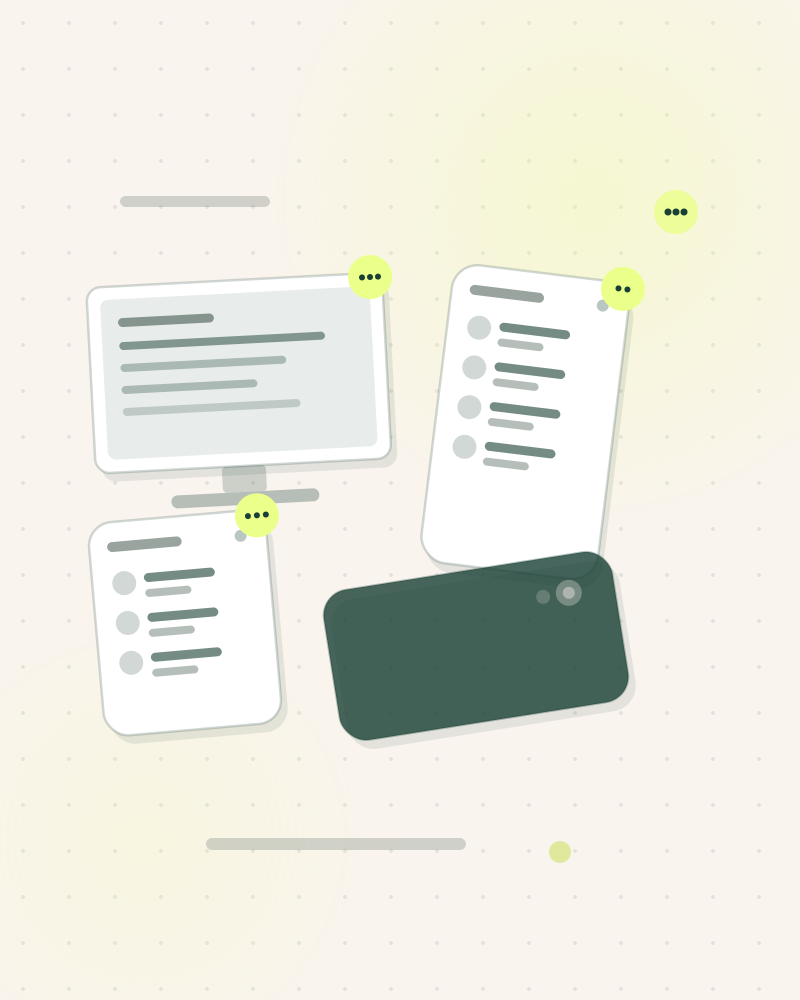
Illustration in the Heep palette on a cream background: a desktop screen and two phones lit up, each carrying an unread badge, and a third phone lying face down on the table.9:12 PM · the alert reaches the floor manager's phone
How it works

How Heep does the work for you.

Three steps, nothing for your team to do.

Step 01

Everything lands in a single inbox

WhatsApp, Instagram, Messenger, SMS, email, website, missed calls: every conversation appears in real time, with the channel, the guest's language and what Heep has already done. The booking created in your reservation software shows up in the thread as a card.

Step 02

Heep notifies you when it matters

Six alert reasons, not one more: unhappy guest, request to speak to a person, missing information, conversation to keep an eye on, technical error, off-topic message. Each team member picks their reasons, venue by venue, by email or push notification.

Step 03

You take over, from any screen

You reply in Heep's place, with a tap on mobile or from the window on your computer. Quick replies, handing over to a colleague, translating the thread: it is all in one place. Meanwhile, Heep keeps handling the other conversations.

What Heep handles

Much more than an automatic reply.

iPhone and Android appsPush notifications, full inbox, Bookings screen, memory you can top up from the floor. On the App Store and Google Play.
Mac and Windows appThe inbox in its own window, with desktop notifications. No more tab lost at the back of the browser.
Alerts by reason, by person, by venueThe floor manager gets the unhappy guests at their own venue; management only gets what it has ticked. By email, push, or both.
Reply in Heep's placeYou write the message yourself on any channel, or drop in a quick reply prepared in advance. The guest sees a single conversation.
Assign and share the loadA conversation can be handed to a colleague in one click, with the whole thread. Four roles split permissions across the team.
Translate a conversationA guest writes in Portuguese or German? Heep replies in their language. Your team reads the translated thread in one click.

One inbox, five screens

Heep works in the background. The app is there to see what it is doing, to step in when a moment calls for it, and to give each team member the view that is theirs. The same account, the same conversations, whether you are in the office, on the floor or at home.

Download

Analytics · Team

You know who stepped in, when, and why.

Every alert sent is logged, and so is every takeover. You can see the share of conversations Heep handles on its own and those that needed someone.

1,862conversations · 30 days
1,75094%handled by Heep without intervention
131alerts sent to your team
112takeovers by your team
Copilot44 of the 131 alerts come from a gap in Heep's memory. Add those topics straight from the thread and Heep will handle them on its own next time.
When your team takes over30 days
service peaksrest of the day
Full transparency

What Heep does, and what it does not.

We would rather tell you before the demo.

On your screens

  • Browser: app.heep.ai, nothing to install
  • iPhone and Android: App Store and Google Play, push notifications
  • Mac and Windows: dedicated window, desktop notifications
  • Interface in 7 languages: French, English, Spanish, Italian, Dutch, German, Portuguese

The same account everywhere. A conversation read on mobile is read on the computer; a reply sent from the floor shows up in the office.

What you will not get

  • An alert for every message: Heep only notifies you for the reasons you have ticked
  • A notification for a venue that is not yours, unless you have asked for it

A booking taken, a question about opening hours or how to get there: Heep deals with it without disturbing you. The notification log keeps a record of every alert sent, to whom and why.

The way you work

Heep adapts to your restaurant, not the other way round.

Everyone sees what concerns them

Four roles, from manager to occasional helper, set who sees what and who can change what. In a group, a local team member only sees their own venue; management sees everything.

The AI does not stop while you read

Opening the inbox switches nothing off. When you take over a conversation, Heep steps back on that thread, and only that one. You hand it back whenever you decide.

One group, several venues

A venue switcher at the top of every screen. Alerts, roles and conversations are set venue by venue, and management keeps the overview.

Frequently asked questions

The questions we hear most.

My team does not check its notifications. What difference does that make?

That is the number one risk, and it is exactly why Heep does not send everything. Six reasons only, chosen per person and per venue, by email or push. On the office computer, the Mac or Windows window shows desktop notifications. And in the meantime Heep does not stop: it keeps replying to everything else. During onboarding, the Heep team helps you set who receives what.

How many people can use the app?

As many as you need. You invite each team member by email from the settings, give them a role and choose their alert reasons. The number of accounts has no bearing on the price: you pay for messages, not for people.

Can I switch the AI off on one conversation?

Yes. Every conversation has its own toggle. You switch it off, reply yourself, and switch it back on whenever you like. Other conversations are not affected. To go further, the “You stay in control” page describes Heep's active hours and levels of autonomy.

What does the Mac and Windows app add over the browser?

The same screens, in a dedicated window, with desktop notifications. On the front-desk or office computer, the inbox stays visible and alerts come through even when the browser is closed. You download it from your Heep account.

A guest writes in a language nobody on the floor speaks?

Heep replies in their language, detected from the very first message. In the inbox, a button translates the thread for your team. You know what was said and booked without going through a translator.

What happens when I flag a message?

A ticket goes to the Heep team, available on weekdays, who reply to you in the app. If Heep got it wrong because it was missing a piece of information, you can also add it to its memory straight from the thread, without waiting.

Free trial

Try Heep on your own restaurant.

Heep writes to you on WhatsApp exactly as it would write to your guests, with your hours and your rules. You judge it on the evidence, then start whenever you are ready.

  • 500 free messages, no commitment
  • Bookings written into Zenchef, SevenRooms or TheFork
  • Our team stays with you until you are live
Get a demo on your own WhatsAppOne message from Heep, as if you were a guest
One message only. No sales follow-up without your say-so.Would you rather see it with the team? Book a slot
Here we go!

Heep will message you on WhatsApp in a moment. Reply to it like a guest would.