Zenchef + WhatsApp: how to take reservations on WhatsApp with your booking system
Zenchef doesn't take inbound WhatsApp reservations natively. How to close that gap, Heep vs Bookline comparison, and the official Zenchef integration that automates bookings on WhatsApp, Instagram and email.

"We already send WhatsApp messages from Zenchef. Why would we need anything else?" We get that question at every setup, and it is a fair one: on both sides, the channel carries the same name. What differs is the direction of travel.
An outbound notification leaves your booking system for a known number, on a template approved in advance, and expects no reply. An inbound conversation starts at the guest's end, at an hour you don't choose, with a sentence no template anticipated. Zenchef does the first, and does it well. It does not do the second, and that isn't an oversight: it's a deliberate boundary.
Three figures, separating what is measured from what is estimated. 62% of booking requests arrive outside opening hours (observed across the Heep base): that one we count. 98% of WhatsApp messages are opened within 5 minutes (Meta Business Index 2025): a platform statistic, not a measurement taken in your dining room. 12–15% of missed calls are recoverable with conversational AI (Bookline industry study, 2024): an estimate published by a competing vendor, to be read as one.
Zenchef + WhatsApp: what exists natively (and what's missing)
Zenchef is a strong booking system: zero-commission widget, no-show management, automated guest marketing. On WhatsApp specifically, though, there's an asymmetry no commercial page spells out.
What Zenchef does natively with WhatsApp:
- Automated reminders before the booking (outbound to guest)
- Post-booking confirmations (outbound to guest)
- Reconfirmation requests to reduce no-shows (outbound to guest)
- Zenchef customer support for restaurateurs on WhatsApp (inbound to Zenchef team)
What Zenchef does NOT do natively:
- Receive an inbound booking request on WhatsApp and process it automatically
- Reply to a guest asking about availability, modifying a booking, or asking about the menu on WhatsApp
- Turn WhatsApp conversations into Zenchef bookings without manual intervention
The boundary fits in one line: everything leaving the booking system works, nothing coming back into it is handled. That's a coherent product decision, Zenchef focusing on the reservation engine. For the operator it reads like this: a guest typing "Hi, table for 4 tonight at 8pm?" on your WhatsApp Business at 11pm on a Tuesday gets zero reply until 9am the next morning. And 60% of out-of-hours requests never come back.
The 3 ways to add WhatsApp to Zenchef
Three options, each with a limitation worth knowing before you pick one.
Option 1: Free WhatsApp Business (manual)
Install WhatsApp Business on the restaurant's phone, list the number on Google and Instagram, and have a team member reply. Zero software cost.
The objection we hear here is "my team replies fast". During opening hours, often true. Speed isn't the problem, coverage is: nobody during the rush or overnight, and nothing syncs to Zenchef, so every request gets retyped by hand. Workable up to twenty messages a month, unmanageable beyond that.
Option 2: Bookline (voice-first, WhatsApp as backup)
Bookline is Zenchef's official voice integration. The service takes the call, and when a call goes unanswered, it sends the guest a WhatsApp message with a pre-filled Zenchef link to complete the booking. That's outbound WhatsApp on overflow, not conversational WhatsApp.
Known limitation: inbound WhatsApp messages, the ones from a guest writing first, aren't handled. A good complement if the phone is your primary channel, but Instagram, email and multi-turn exchanges sit outside its scope.
Option 3: Heep (multichannel-first, Zenchef-integrated)
Heep replies on WhatsApp, Instagram, Messenger and email, in the guest's own language, and writes the booking into Zenchef through the official integration. The guest writes "Table for 4 tonight", Heep queries Zenchef availability, proposes a slot, confirms, sends the confirmation. The conversation never leaves WhatsApp, and nobody on the team re-keys anything.
The integration is listed on Zenchef's partner page: "Heep is an AI agent that instantly and automatically responds to customer requests on WhatsApp, Instagram, Messenger, and email. In the event of missed calls, Heep automatically takes over on WhatsApp to finalize the reservation."
See how Heep integrates with your Zenchef
Comparison: Bookline vs Heep on Zenchef
Both are official Zenchef integrations. The line between them is the inbound channel.
| Bookline | Heep | |
|---|---|---|
| Primary channel | Phone (voice AI) | WhatsApp, Instagram, Messenger, email |
| Inbound WhatsApp | No — only sends a link after missed call | Yes — full conversation, autonomous booking |
| Instagram DMs | No | Yes |
| No | Yes | |
| Languages | 10 (EN, ES, PT, NL, IT, DE, FR…) | The guest's own, detected on the first message |
| Zenchef sync | Bookings tagged in Zenchef | Bookings created live in Zenchef |
| Pricing | Custom quote, setup fee | €99 excl. VAT per 1,000-message pack, no contract |
| Ideal restaurant profile | High phone volume, team overloaded by calls | Strong WhatsApp/Instagram presence, international guests, out-of-hours demand |
The rule is simple. If your phone rings nonstop but your WhatsApp is empty, Bookline fits better. If guests mostly message you on WhatsApp or Instagram and 1 in 3 writes in English, Heep is built for that flow. On the Heep side, a missed call is recovered by message, WhatsApp first, then SMS.
How Heep + Zenchef work together
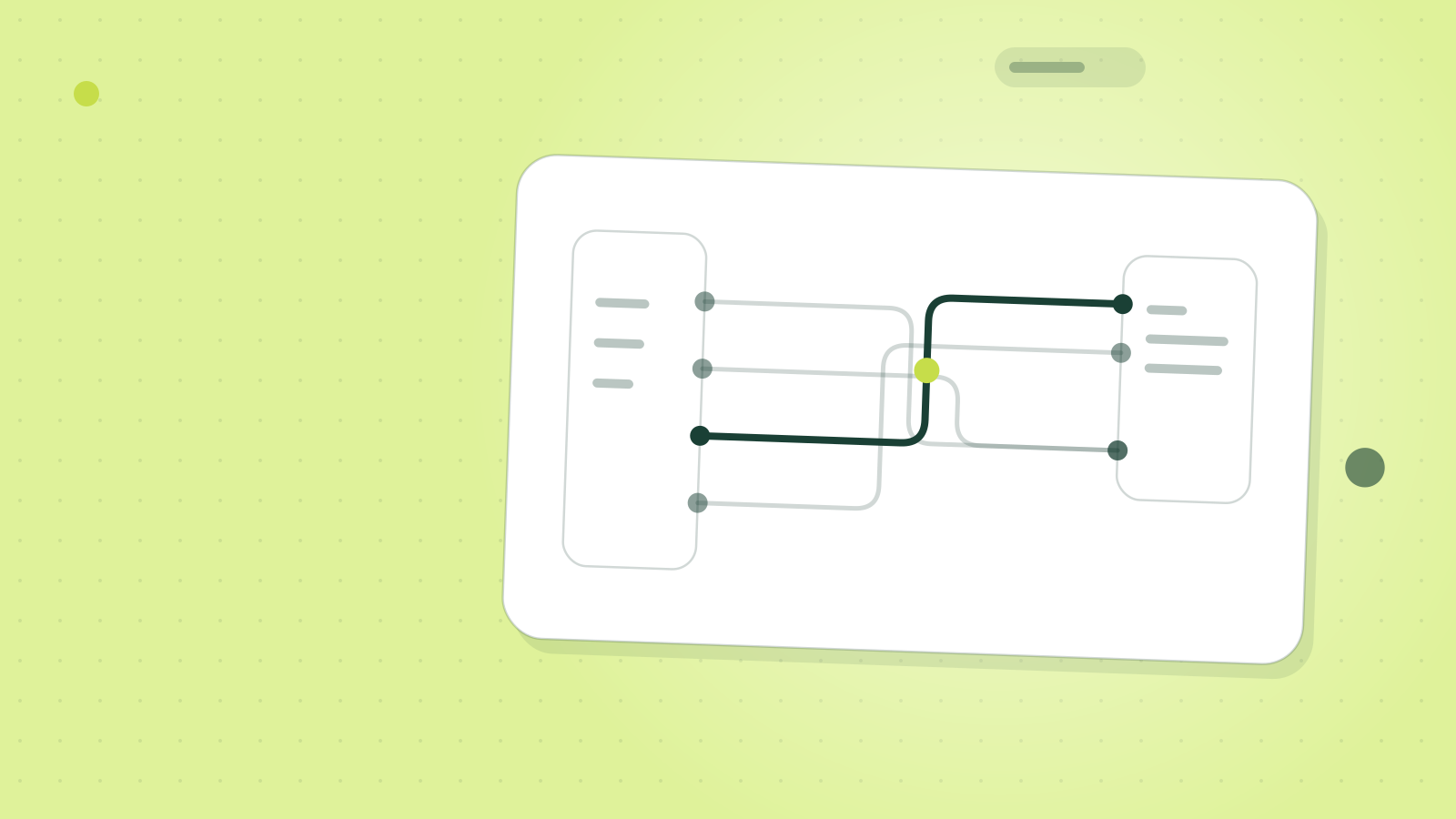
The integration is two-way, read/write:
- Availability lookup: Heep queries your Zenchef calendar in real time, capacity, tables, services, exceptions and the payment rules set in Zenchef included.
- Booking creation: when the guest confirms via WhatsApp, Heep creates the booking directly in Zenchef with a "Heep" tag to attribute the channel.
- Modifications and cancellations: a guest writing "move to 9pm" or "cancel" on WhatsApp triggers Heep to update Zenchef and release the table.
- Guest data: preferences, allergies, birthdays surfaced in the conversation are saved to the Zenchef guest profile.
What the list leaves out matters just as much: the rest of your Zenchef configuration, services, floor plan, payment rules, is read, never rewritten. Activation happens inside Zenchef, Settings then Partners then Heep then Connect. No development, no migration.
What this actually changes (client data)
Across Zenchef restaurants running Heep, three measurable effects.
1. Out-of-hours recovery. A barge venue on the Paris riverside added 14 bookings/month created outside service, roughly 460 covers recovered that would have been lost.
2. Lower phone load on the team. When guests shift to WhatsApp, the restaurant phone rings less. At Fitz Group (5 Paris restaurants), the phone goes silent after midnight: every late request is handled by Heep on WhatsApp.
3. Effortless internationalisation. Heep replies in the guest's own language. For a Paris restaurant, that means a Japanese tourist writing in Japanese on Instagram walks away with a confirmed booking, without anyone on the team having to translate it.
Verdict: should you add WhatsApp to Zenchef?
The answer depends on where your requests land, not on what you think of AI. If your guests already message you on WhatsApp or Instagram and nobody replies before the next morning, you're losing roughly 12% of potential direct bookings per month. If your phone rings nonstop and your WhatsApp stays empty, Bookline is the product that answers your problem, not us. If your messages fit inside WhatsApp Business at five enquiries a week, manual is still fine.
Either way, four things are worth checking before you connect anything:
- the number: yours stays yours, the connection runs through the official Meta API and the guest sees no change;
- the state of your WhatsApp Business account on Meta's side, which drives the setup timeline more than the integration itself does;
- the payment rules and exceptions already set in Zenchef, since those are what the integration reads in order to reply;
- any other automation wired to the same booking system, Zen Call first among them, to be switched off unless you want duplicates.
Those four are settled in configuration, before the first conversation. A duplicate booking already written into the calendar is not.
Frequently asked questions
Does Zenchef have an official WhatsApp API?
Zenchef uses the Meta Business API to send outbound notifications (reminders, confirmations). The API isn't exposed to restaurateurs for configuring an inbound conversational agent — you go through an integrated partner like Heep or Bookline.
Can I take WhatsApp reservations using Zenchef alone, no third-party software?
No. Zenchef has no native inbound WhatsApp booking bot. You can receive messages on WhatsApp Business and create the bookings manually in Zenchef, but there's no native automation bridging the two.
How much does adding WhatsApp via Heep cost?
Heep is €99 excl. VAT a month per 1,000-message pack, with 500 messages free, no commitment and deployment in a few days. Every channel is included: WhatsApp, Instagram, Messenger, email, SMS. Additional venues are €19 excl. VAT a month each.
Can I reuse my existing WhatsApp Business number?
Yes. Heep connects to your existing WhatsApp Business number via the official Meta API. No number change for guests.
What happens during service when the team is slammed?
That's precisely when Heep wins the most bookings. WhatsApp messages keep flowing during service, Heep replies in about 30 seconds on average, and the table is confirmed while you're plating.