Heep + Zenchef: Sync Your AI With Your Reservation System
Connect Heep to Zenchef in one click: your AI handles live bookings on WhatsApp, Instagram and SMS, 24/7, writing directly to your reservation system.

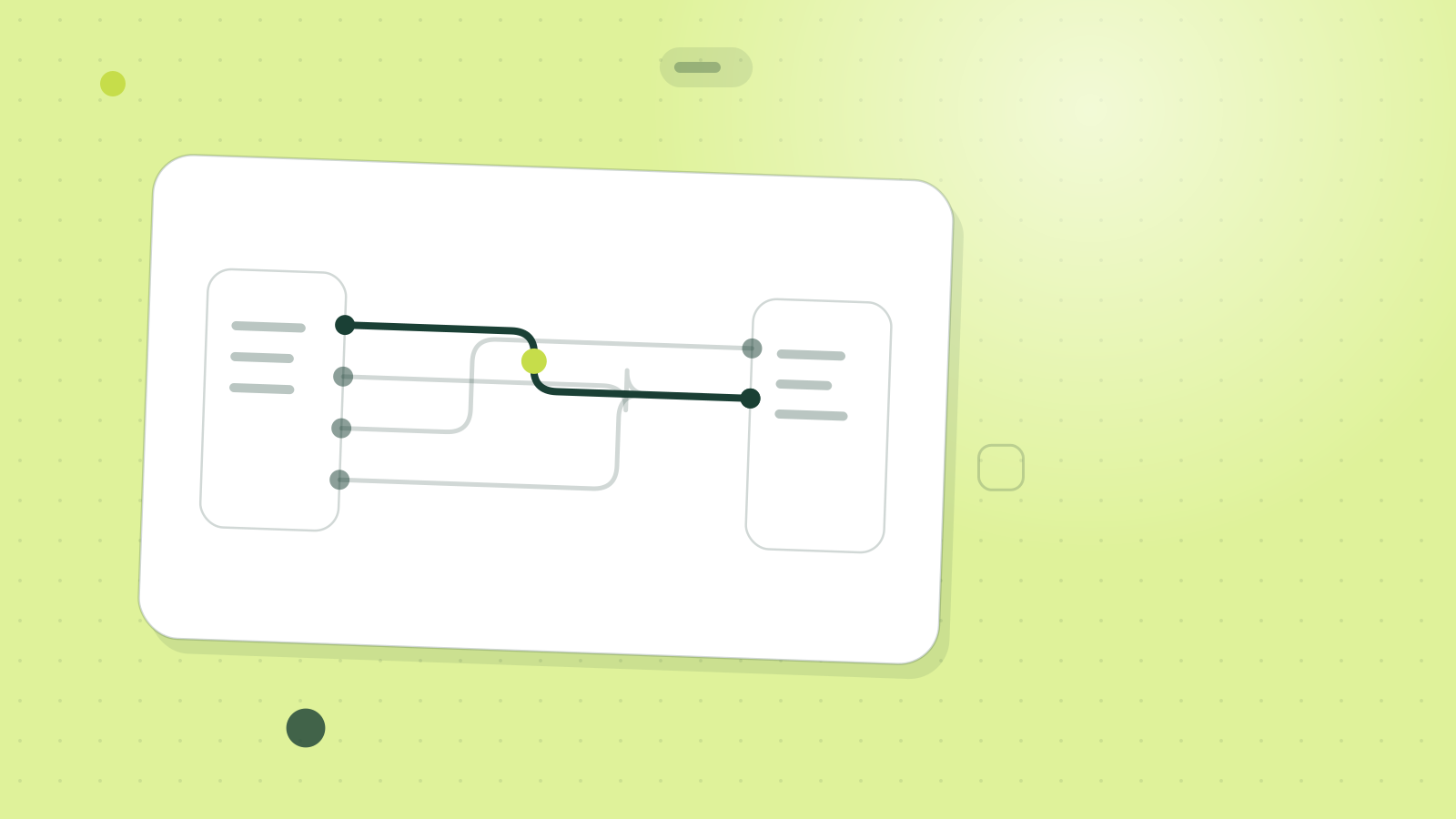
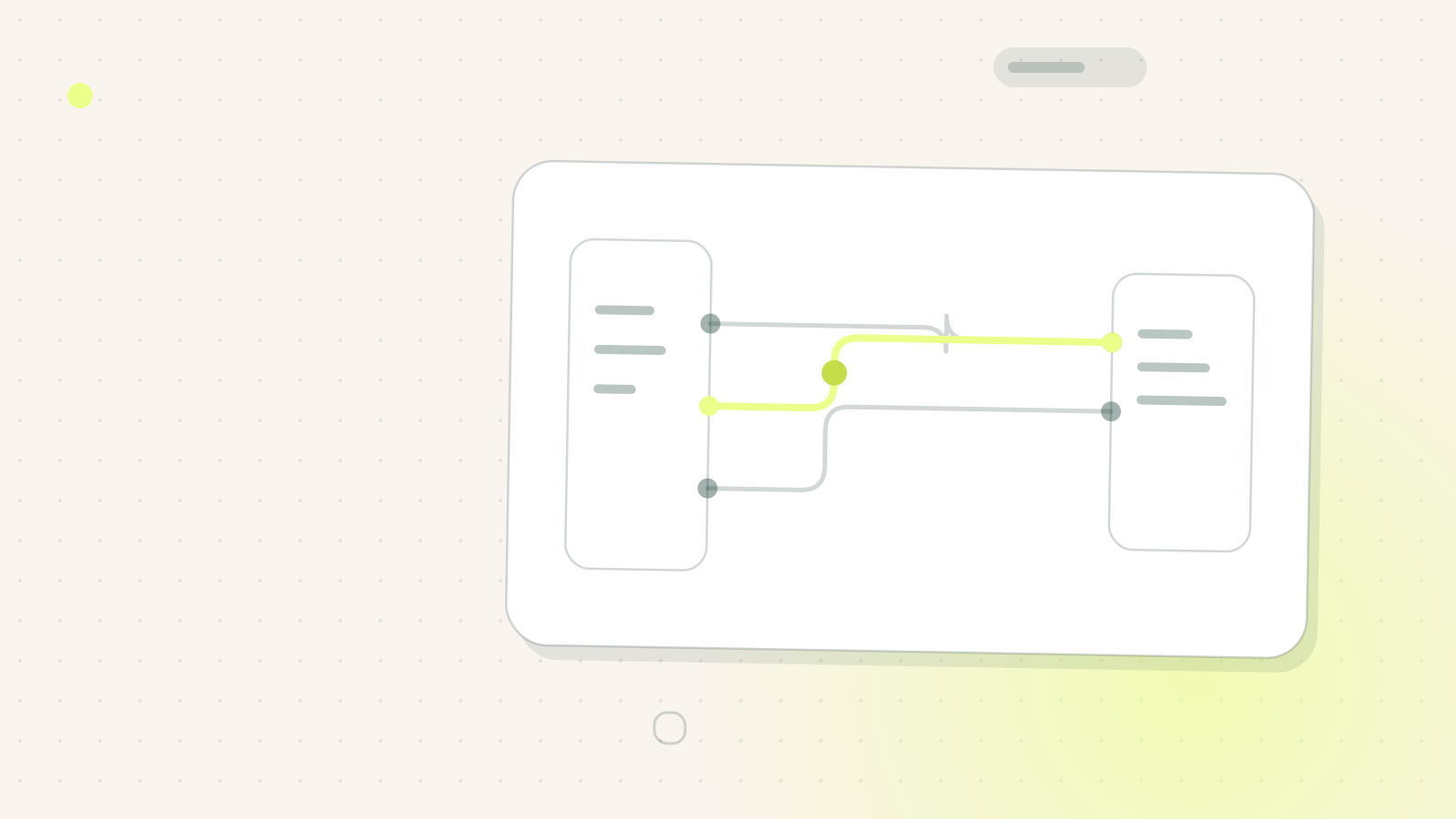
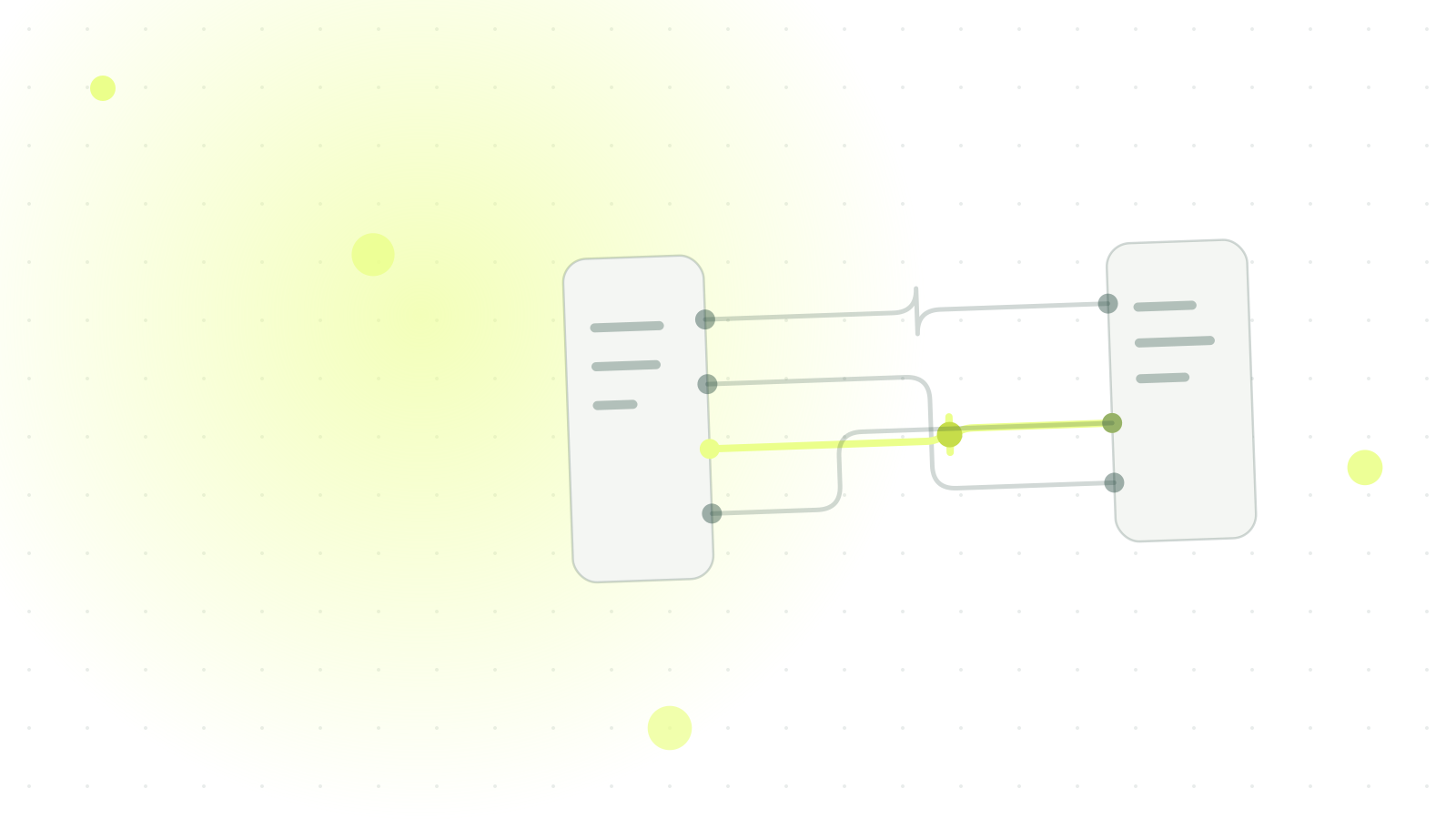
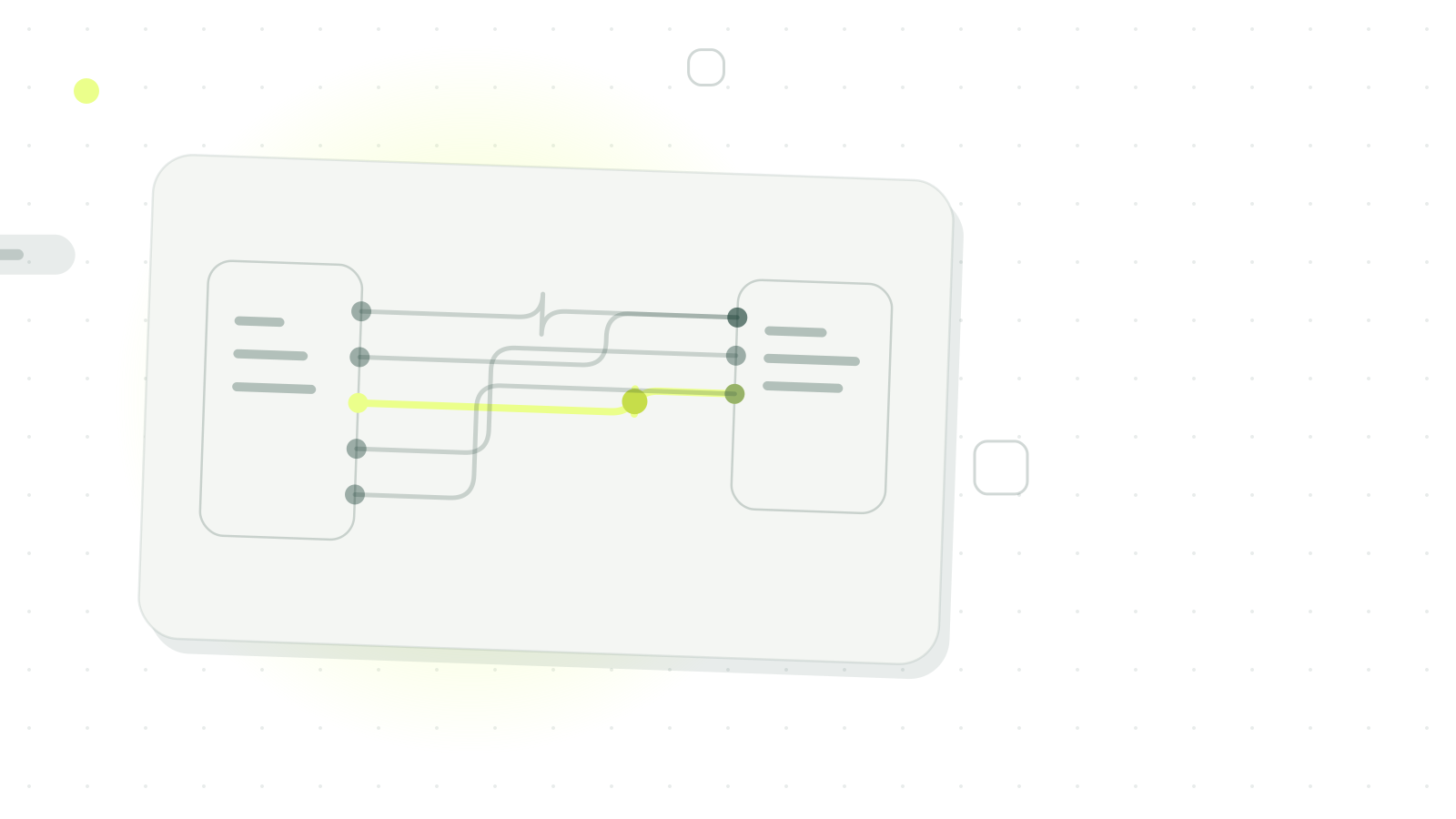
There are two ways to plug an AI into a reservation book, and only one of them is of any interest to you. The first reads availability and sends the guest a link: the booking does not exist until they click it. The second writes the booking into the book, with the right service, the right cover count and the source traced.
Heep does the second one on Zenchef. What follows describes exactly what the integration writes, what it never touches, and the Zenchef setting to check before you connect it.
1 click to connect Heep to your Zenchef account — from Settings → Integrations → Partners. No developer, no technical configuration required.
Why connect Heep to Zenchef
The difference shows up on a single request. A guest writes on WhatsApp at 11 pm for Saturday: if they get a link, they must reopen a page, pick a slot and confirm, and each step loses people. If they get a confirmation, the table is taken.
Once the two systems are connected, Heep reads your live availability and closes the booking inside the conversation, without the guest leaving the channel they arrived on.
- 24/7 availability to take, modify or cancel a reservation (without human intervention)
- 0 double entry — the booking lands directly in Zenchef (native integration)
- Traced ROI every Heep booking is tagged — real revenue via Zenchef × Lightspeed, otherwise an estimate based on your average check
What Heep does inside Zenchef
Five operations, and nothing else. In the order they occur in the life of a booking, because the question I get is almost always “and what if the guest changes their mind?”
- Check live availability service by service, respecting your floor plan and time slots.
- Take a booking directly in Zenchef, whether the request arrives via WhatsApp, Instagram, SMS or your website.
- Modify an existing booking: time change, cover count, special request added.
- Cancel a booking cleanly, with immediate update in your system.
- Send a credit card hold link pulled from Zenchef, to secure high-risk slots.
What it does not do deserves the same space. It never touches a booking it did not create: entries made by your team, or coming from your site, stay where they are. It does not edit your floor plan or your opening rules. It writes, it does not reorganise.
See how many bookings Heep can generate for a restaurant like yours. Estimate my recoverable booking volume
The ROI bonus: trace every euro generated
Every booking taken by Heep is tagged in Zenchef, which lets you filter by source and see, over any period, how many covers arrived through conversations.
Two levels have to be told apart, and conflating them is the main cause of disappointment here. If you run Zenchef with Lightspeed, the revenue actually collected is reported back per booking: that is a measurement. Otherwise it is reconstructed from your average check: an estimate, fine for an order of magnitude, arguable for a decision to the cent.
What changes day-to-day
- A guest messages at midnight on WhatsApp? Heep checks availability and confirms in Zenchef. Your team finds everything the next morning.
- A regular wants to move from 8 pm to 9 pm? They send a message. Heep modifies directly in Zenchef. No call, no wait.
- A group cancels last minute? The slot is freed immediately, ready to be offered to the next guest.
Want to understand how Heep handles every request end to end? Read how Heep turns every message into a confirmed booking. Comparing online reservation tools? See our complete guide to online restaurant booking for a full 2026 overview.
See the difference from the first week. Book my Heep × Zenchef demo
Activate the integration in 1 click
The connection itself needs no developer and no technical configuration. It is made from your Zenchef account.
Log into your Zenchef environment
Settings → Integrations → Partners
Search for “Heep” under “Booking Services”
Click Connect
Heep immediately accesses your availability. For the step-by-step detail, see the Zenchef × Heep guide.
One thing remains to be checked, and it generates the most tickets on our side: if Zen Call is active on your Zenchef account, turn it off. Two systems writing into the same book from the same request produce duplicates, and a duplicate costs a table, not a line in a log. Check it on connection day, not the week after.
Frequently asked questions
Does Heep work with TheFork and SevenRooms as well?
Yes. Heep is natively integrated with TheFork Manager and SevenRooms. The same level of synchronisation applies to both systems.
Can Heep overwrite my existing Zenchef reservations?
No. Heep creates, modifies and cancels bookings via the Zenchef API. Existing reservations are never touched. The integration is secure and traced.
Can I see which bookings were taken by Heep in Zenchef?
Yes. Every Heep booking is automatically tagged in Zenchef, so you can filter by source and measure ROI directly in your dashboard.
Does the integration work with multiple venues?
Yes. If you manage multiple restaurants under Zenchef, each property has its own Heep profile connected separately with its own hours and rules.